AI review and publishing
letsList uses AI to remove repetitive listing work, not seller responsibility. AI can prepare a , research an item, and improve listing content. You can inspect and edit that work while it is private. Only sends it to eBay.
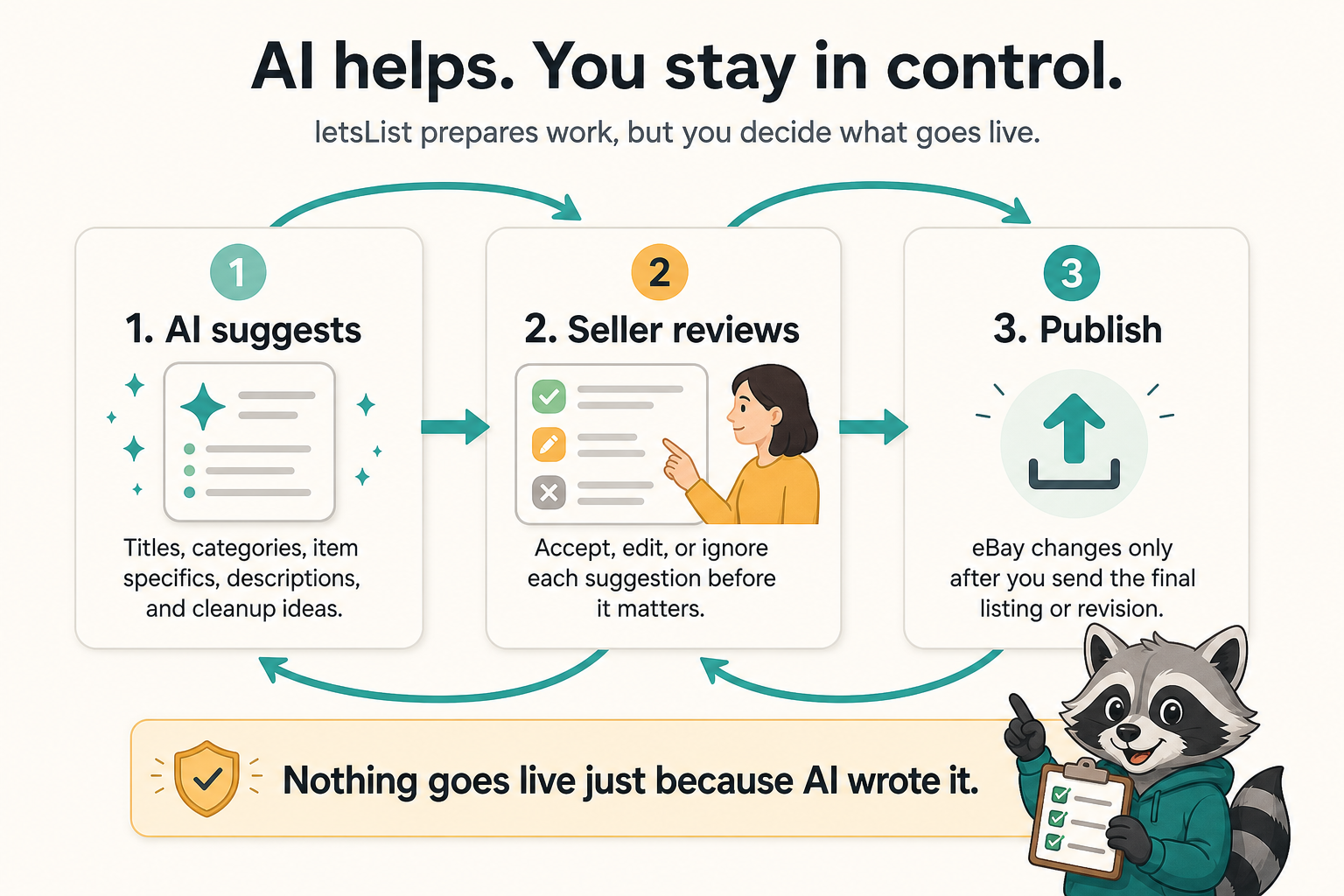
Three boundaries keep the workflow understandable
Prepare
AI reads the available photos, notes, research, and reusable guidance to create or improve draft work.
Review
You inspect the actual listing fields, correct mistakes, and decide whether the draft is ready.
Publish
A separate preview and acknowledgement make the draft buyer-facing on eBay.
AI output may arrive as filled-in draft fields, research, or a proposed change. The interface differs by task, but the boundary does not: preparation stays editable until you publish.
What AI is good at
AI is useful when the work is language-heavy, repetitive, or benefits from comparing several clues. In letsList that includes identifying likely item details from photos, proposing titles and categories, filling Item Specifics, drafting descriptions, organizing research, and applying seller guidance consistently.
guidance gives AI business-wide context. guidance adds what matters for an item class. Source notes and item notes add the context for this acquisition and this SKU. Those layers make AI more useful, but none of them turn a guess into a verified fact.
How reusable defaults and AI guidance stack before per-item review.
What the seller must verify
AI cannot feel a loose hinge, know whether a part was tested, see damage outside the frame, or decide what business exception you are willing to make. Before publishing, check the fields that affect buyer expectations, search visibility, price, and fulfillment.
- Identity: brand, model, part number, edition, and other identifiers
- Condition: wear, defects, missing pieces, and what the photos actually show
- Category and Item Specifics: required fields and buyer-facing search details
- Offer: format, duration, price, quantity, and any auction values
- Fulfillment: location, package details, handling time, shipping, payment, and returns
- Presentation: photo order, title, condition notes, and description
The safest review question is not “does this sound polished?” It is “could I defend every buyer-facing claim from the item, photos, notes, or a source I trust?”
Publishing a new listing
When a new draft is ready, the publish sheet shows the listing you are about to create: its main photo, title, format, duration, prices, category, condition, Item Specifics, condition notes, and a description preview.
Publishing remains disabled until you acknowledge that the action will create a live eBay listing. Cancel returns you to private draft work. Confirming sends the reviewed item to eBay; after a successful publish, the draft leaves the Drafts view and the new item appears as a live listing.
Publishing a revision
A revision draft starts from an adopted live listing. At publish time, letsList compares the private draft with the listing state captured when the revision began. Changed fields are called out so the review is about the delta, not a second reading of the entire form.
The revision preview covers
Title, listing format, duration, starting and auction prices, category, condition, condition description, Item Specifics, and the description preview. The sheet also names the eBay item that will be modified.
The acknowledgement is explicit: publishing will modify that live listing. Until you confirm, the draft has no buyer-facing effect.
Why a Legacy listing must be adopted before letsList can revise it.
Bulk publish is still item-by-item review
Selecting several drafts creates a review queue. The publish sheet shows your position in the queue, and each listing gets its own preview and acknowledgement. You can publish the current item, skip it, or cancel the rest. Bulk selection saves navigation; it does not collapse several seller decisions into one blind commit.
If the draft is not ready
- Edit it directly. The listing editor is the final authority for the draft fields.
- Add better evidence. More useful photos, identifiers, measurements, condition notes, or research usually improve the next AI pass.
- Improve reusable guidance. If the same error repeats across an item class, fix the Blueprint; if it repeats across the business, fix the Foundation.
- Leave it private. A draft can remain unfinished without affecting the live marketplace.
The rule to remember
Nothing goes live just because AI wrote it.
AI prepares. You verify. Preview shows what will be created or changed. Publish is the seller-controlled write to eBay.